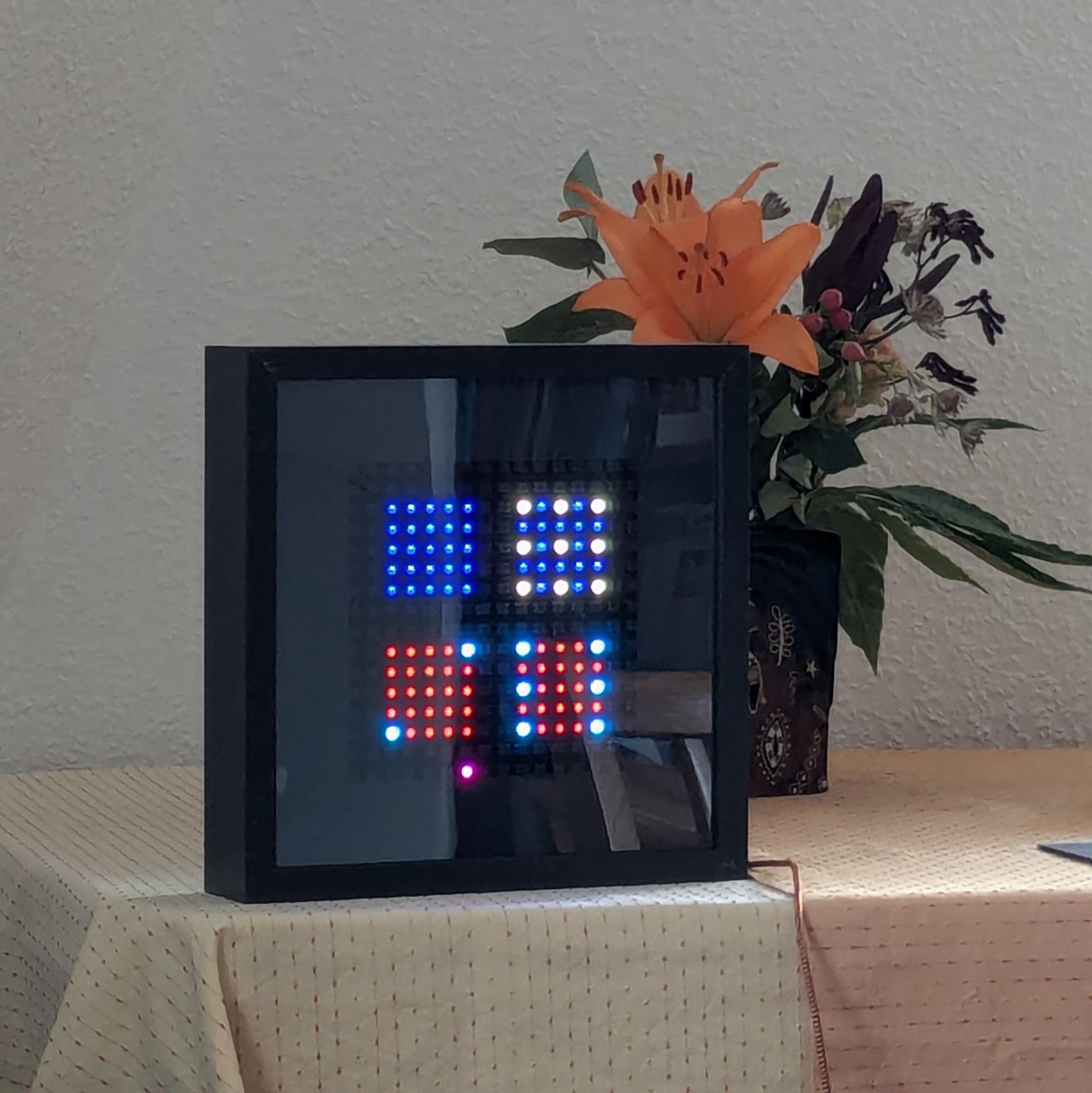
examples
Thursday 24 July 2025
13 versions
A few Examples 
All Examples can also be downloaded from the assets directory.
Hello world! 
Blink 
# SPDX-FileCopyrightText: 2025 Pagong
# SPDX-License-Identifier: MIT

import time
import board
import neopixel

#######################

# for Rpi-Pico with 16x16 NeoPixel-Matrix
NUM_COLS = 16
NUM_CELLS = 16
NUM_PIXELS = (NUM_COLS * NUM_CELLS)  # Update this to match the number of LEDs.

SPEED = 0.1        # Increase to slow down the effect. Decrease to speed it up.
BRIGHTNESS = 0.1   # A number between 0.0 and 1.0, where 0.0 is off, and 1.0 is max.

PIN = board.GP28   # This is the default pin on my RPi-Pico with 16x16 NeoPixel matrix
pixels = neopixel.NeoPixel(PIN, NUM_PIXELS, brightness=BRIGHTNESS, auto_write=False)

#####################

black = 0
color = ( 0xff, 0xcc, 0xd8 )

while True:
    pixels.fill(black)
    pixels.show()
    time.sleep(5*SPEED)

    pixels.fill(color)
    pixels.show()
    time.sleep(SPEED)
Rainbow 
# SPDX-FileCopyrightText: 2025 Pagong
# SPDX-License-Identifier: MIT

import time
import board
import neopixel
import rainbowio

#######################

# for Rpi-Pico with 16x16 NeoPixel-Matrix
NUM_COLS = 16
NUM_CELLS = 16
NUM_PIXELS = (NUM_COLS * NUM_CELLS)  # Update this to match the number of LEDs.

SPEED = 0.01       # Increase to slow down the effect. Decrease to speed it up.
BRIGHTNESS = 0.1   # A number between 0.0 and 1.0, where 0.0 is off, and 1.0 is max.

PIN = board.GP28   # This is the default pin on my RPi-Pico with 16x16 NeoPixel matrix
pixels = neopixel.NeoPixel(PIN, NUM_PIXELS, brightness=BRIGHTNESS, auto_write=False)

#####################

black = 0

while True:
    pixels.fill(black)
    pixels.show()
    time.sleep(50*SPEED)

    for i in range(NUM_PIXELS):
        for j in range(NUM_PIXELS):
            color = rainbowio.colorwheel(i+j)
            pixels[j] = color
        pixels.show()
        time.sleep(SPEED)
2D Matrices 
Sinus 
# move through Sinus and Cosinus terrain
#
# 21 Mar 2025 - @pagong
# Uses Raspberry-Pi Pico with a 16x16 NeoPixel LED matrix

import time
import board
import random
import neopixel
import rainbowio

import neomatrix

#####################

# for RPi-Pico with 16x16 NeoPixel-Matrix
NUM_COLS  = 16
NUM_CELLS = 16

NUM_PIXELS = (NUM_COLS * NUM_CELLS)  # Update this to match the number of LEDs.
SPEED = 0.01       # Increase to slow down the animation. Decrease to speed it up.
BRIGHTNESS = 0.1   # A number between 0.0 and 1.0, where 0.0 is off, and 1.0 is max.
PIN = board.GP28   # This is the default pin on RPi-Pico with 16x16 NeoPixel matrix

leds = neopixel.NeoPixel(PIN, NUM_PIXELS, brightness=BRIGHTNESS,
                         pixel_order=neopixel.GRB, auto_write=False)

matrixType = (  neomatrix.NEO_MATRIX_BOTTOM + neomatrix.NEO_MATRIX_LEFT +
                neomatrix.NEO_MATRIX_ROWS + neomatrix.NEO_MATRIX_ZIGZAG   )

matrix = neomatrix.NeoMatrix(
    leds,
    NUM_COLS, NUM_CELLS,
    1, 1,
    matrixType,
)

grid = matrix._grid

#####################

# prepare rainbow palette
palette = []
for k in range(256):
    palette.append(rainbowio.colorwheel(k))

# change direction of movement
def change_direction():
    xs, ys = 0, 0
    while (abs(xs) + abs(ys) == 0):
        xs = random.randint(-1, 1)
        ys = random.randint(-1, 1)
    return float(xs), float(ys)

def do_frame():
    for i in range(NUM_COLS):           # for each pixel row
        sinx = math.sin(start_x + step*i)
        pxl = grid[i]
        for j in range(NUM_CELLS):      # for each pixel column
            cosy = math.cos(start_y + step*j)
            val = 1.0 + (sinx * cosy)
            col = int(val * 127.5)      # scale it from -1 - +1 -> 0 - 255
            pxl[j] = palette[col]       # convert hue to rainbow color

#####################

import math
step = (1.1 * math.pi) / float(NUM_COLS)
start_x = 0.0
start_y = 0.0

incr = 0.1
xsign = 0.0
ysign = 1.0

Debug = True

while True:
    t1 = time.monotonic_ns()
    do_frame()
    t2 = time.monotonic_ns()

    grid.show()
    t3 = time.monotonic_ns()

    if Debug:
        d1 = (t2 - t1) / 1000000.0
        print(f"Compute {d1} ms", end=" +\t")
        d2 = (t3 - t2) / 1000000.0
        print(f"Display {d2} ms", end=" =\t")
        print(f"Total {d1+d2} ms", end=" -->\t")
        print(f"{1000.0/(d1+d2)} fps")

    # move around in 2D space
    start_x += incr * xsign
    start_y += incr * ysign
    if (random.randint(0, 99) == 8):
        xsign, ysign = change_direction()

    time.sleep(SPEED)
Further Examples 
see my Github account for more: https://github.com/pagong
Domino Clock